A companion for your self-hosted Mealie server
Your Mealie. A better way to cook.
Mealie Connect is a beautiful companion for your self-hosted Mealie server. Discover recipes, plan your meals, build shopping lists, and let Dinner Roulette decide what you're cooking tonight.
Android version 0.8.0
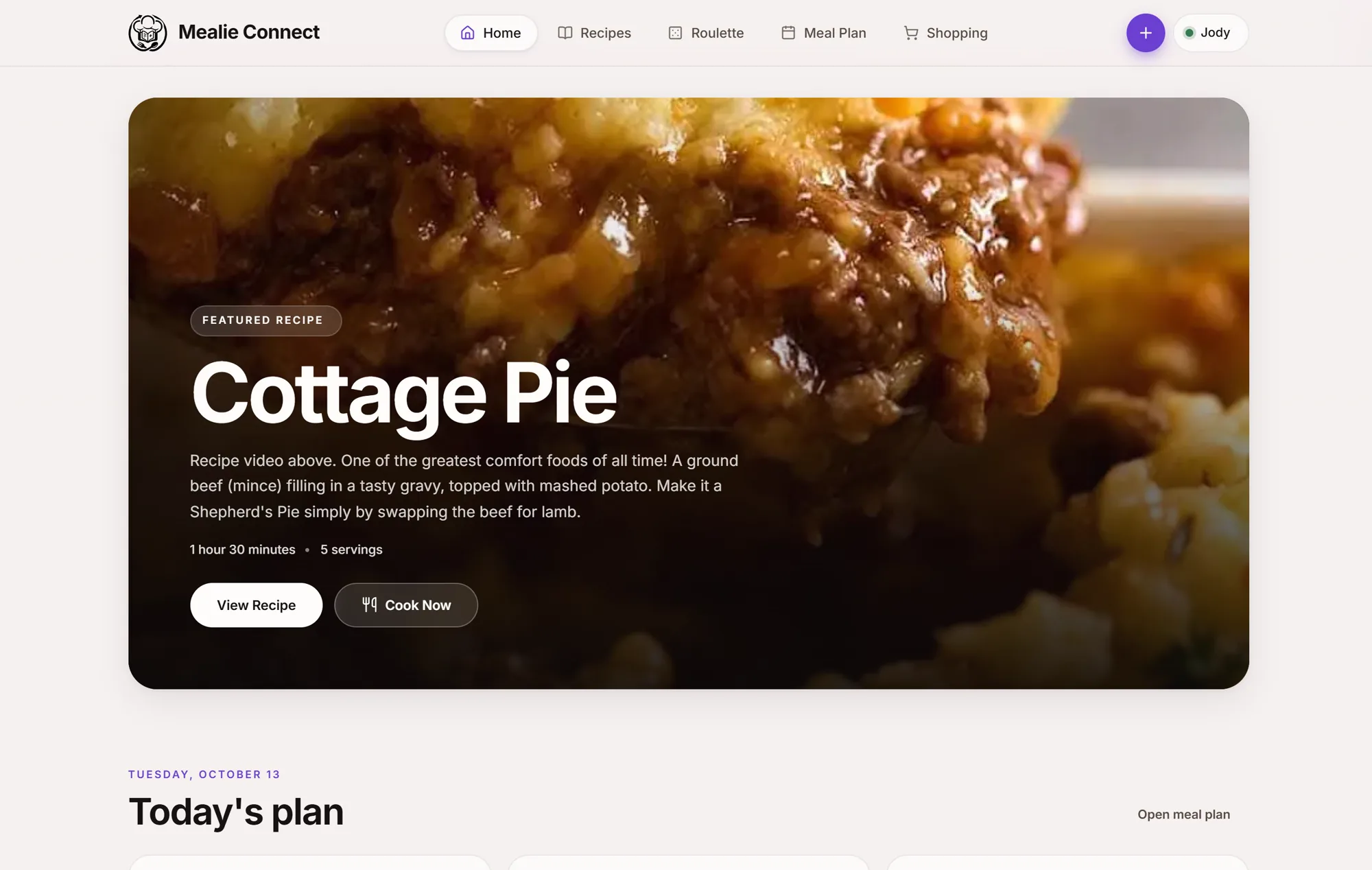
From “what should I cook?” to dinner on the table.
- 01
Discover
Browse, search, or roll the dice with Dinner Roulette.
- 02
Plan
Drop recipes onto a daily, weekly, or monthly meal plan.
- 03
Shop
Send ingredients straight to a shopping list.
- 04
Cook
Follow along step-by-step with Cook Mode.
A Mealie Connect original
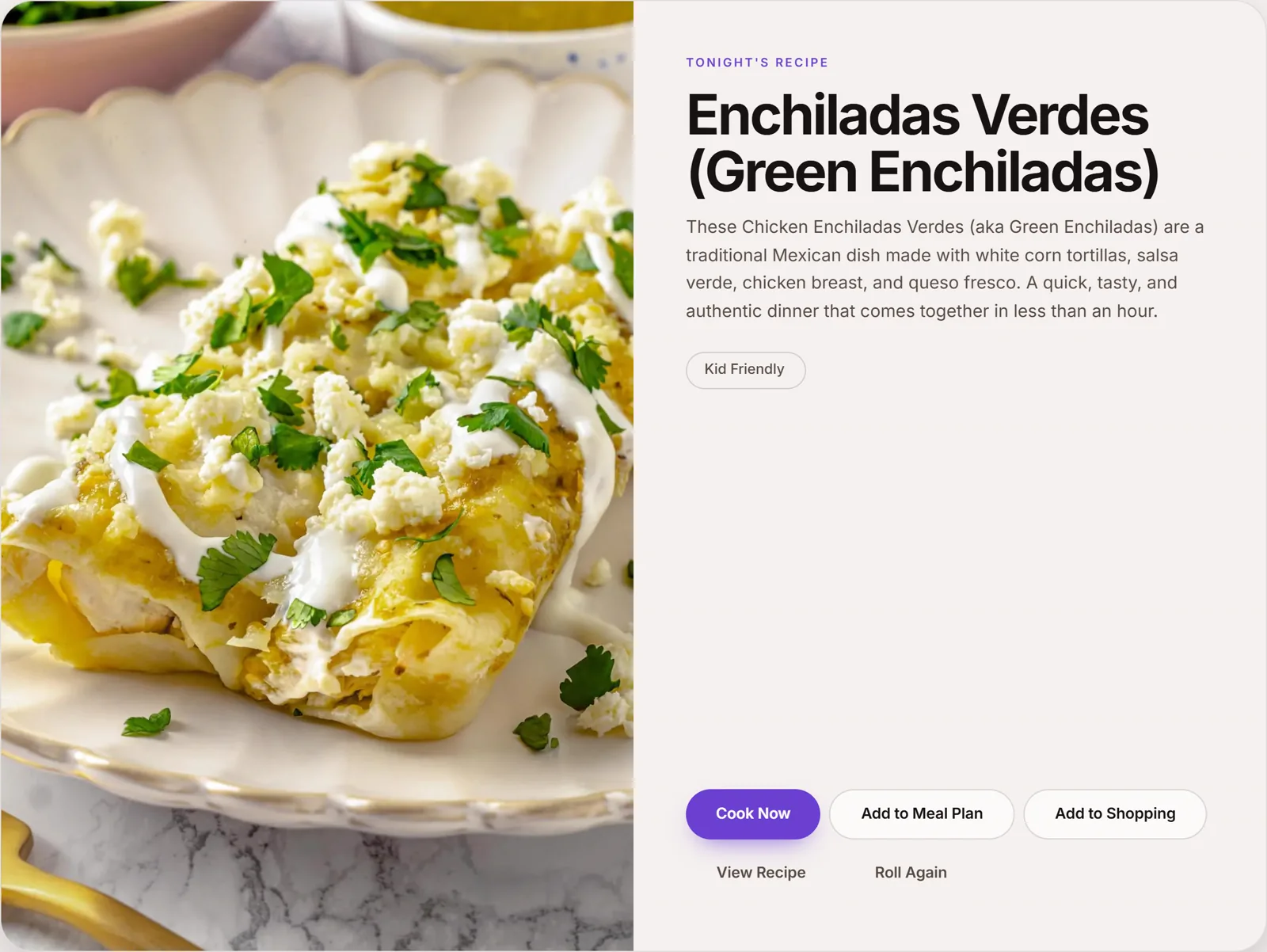
Don't know what to cook? Let Dinner Roulette choose.
Roll completely at random, or narrow it down by category, prep time, tags, and the ingredients you already have on hand.
- Category
- Prep / cook time
- Tags
- Ingredients on hand
Cook with what you already have.
Tell Mealie Connect what's in your fridge, pantry, or freezer and find recipes that match, search by ANY of your ingredients, or require ALL of them.
What do you have?
- Chicken
- Rice
- Broccoli
- Garlic
- Chicken Stir FryPerfect match
- Chicken Fried RiceMissing 1 ingredient
Your recipes, finally easy to explore.
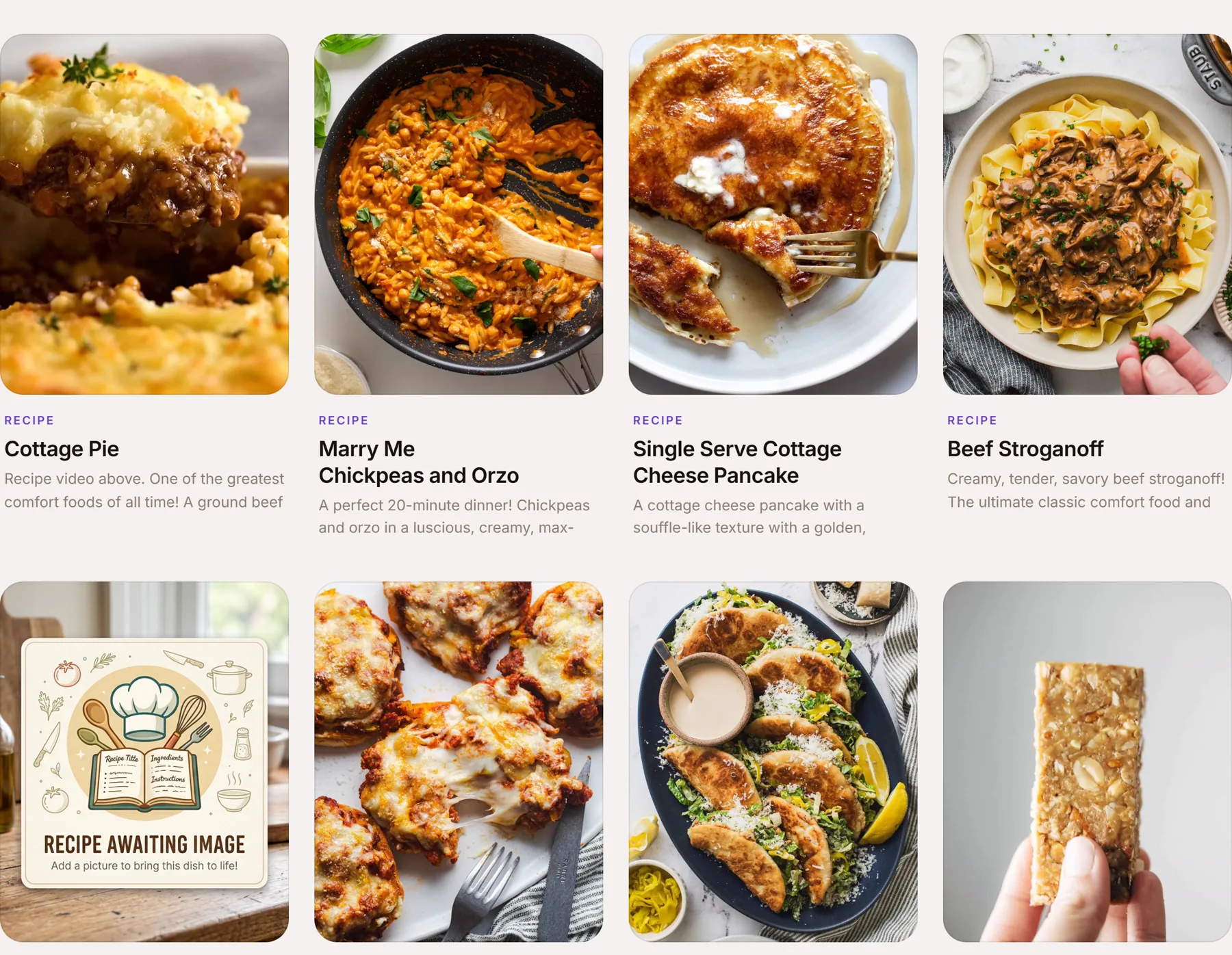
Search and filter your Mealie recipe collection without digging through endless lists.
- Categories
- Tags
- Prep time
- Cook time
- Ingredients
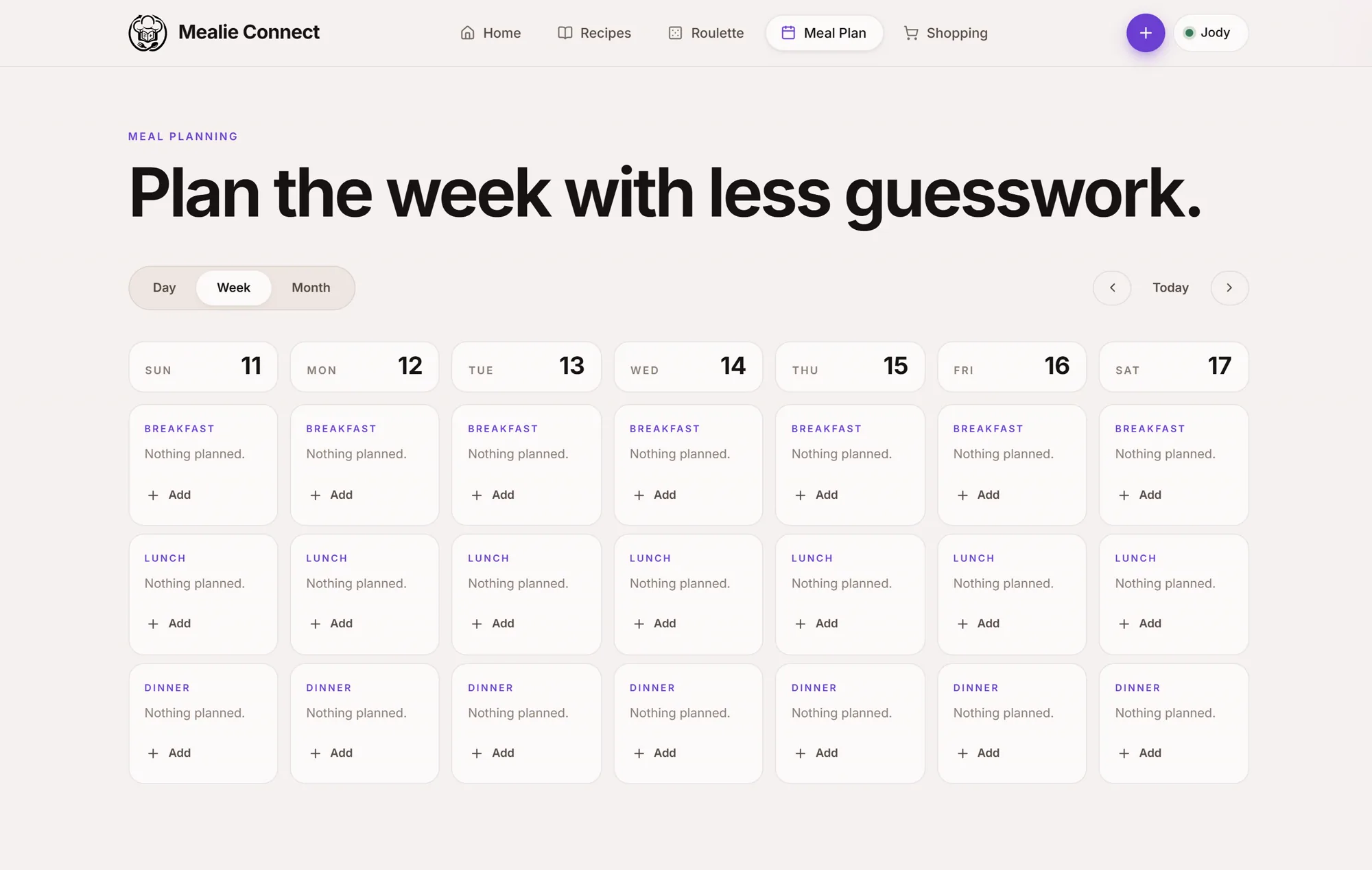
Turn recipes into a plan.
Assign breakfast, lunch, dinner, or a quick side to any date, straight from a recipe or a title you type in, no more re-deciding what's for dinner every night.
From recipe to shopping list in seconds.
Everything you need to get from a recipe you love to a cart full of the right ingredients.
- Recipe
- Add ingredients
- Choose shopping list
- Shop
- Multiple shopping lists
- Add recipe ingredients in one tap
- Check items off as you shop
- Edit quantities and create new lists
- Offline access with sync
Cook Mode
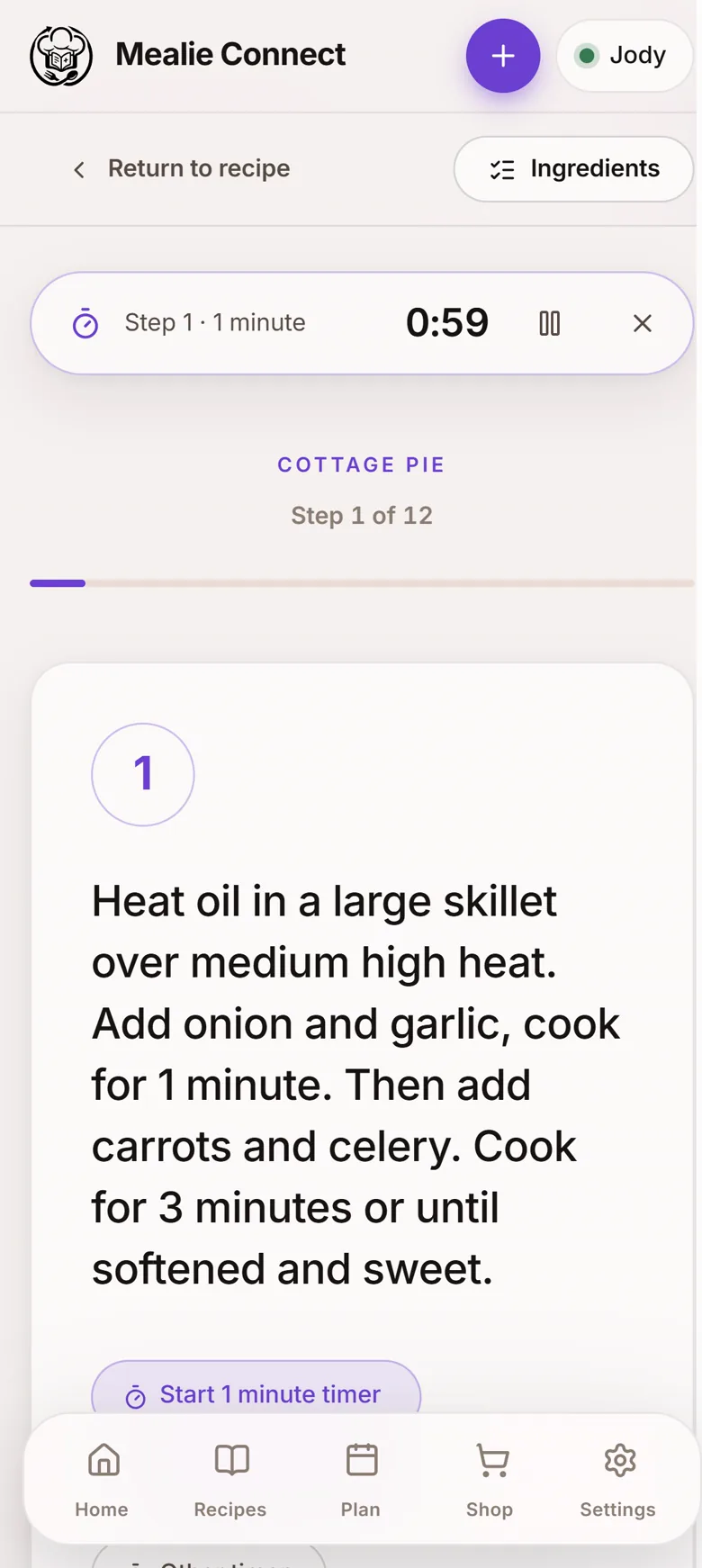
Put the phone down. Start cooking.
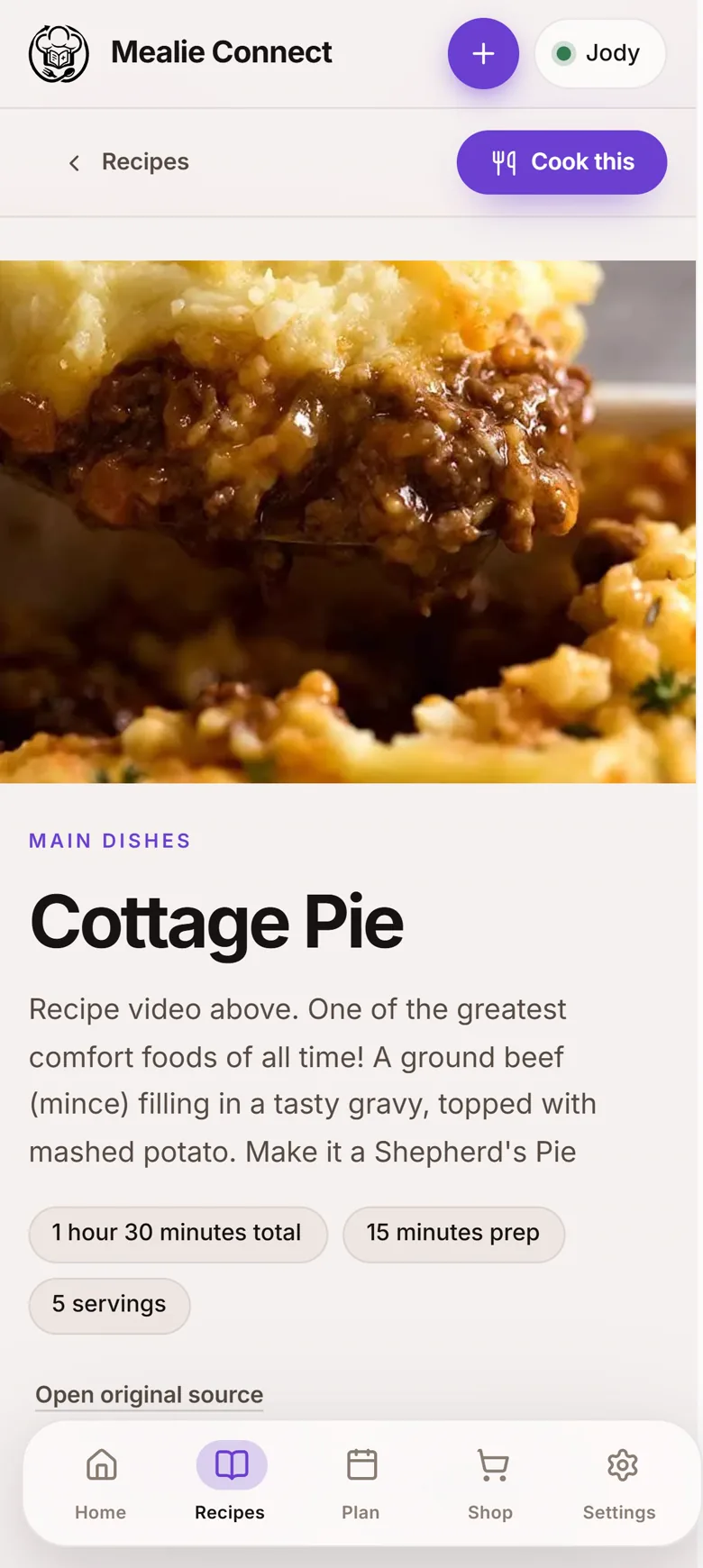
A distraction-free, step-by-step cooking experience that lets you move through a recipe one instruction at a time, large text, a clear progress indicator, and ingredients always within reach.
Found a recipe you love?
Paste a recipe URL and Mealie Connect sends it to your Mealie server, then fine-tune the title, categories, tags, and servings before saving.
Title
Chicken Parmesan
Your recipes don't disappear when the Wi-Fi does.
Mealie Connect is designed for offline use. Previously synchronized recipes, meal plans, and shopping lists remain available, and changes sync automatically once your Mealie server is reachable again.
Offline
- Recipes available
- Shopping list available
- Meal plan available
2 changes waiting to sync
Your recipes. Your server. Your data.
Mealie Connect connects directly to your self-hosted Mealie server. Your recipe collection stays where you put it, under your control.
- Connects to your self-hosted Mealie server
- Direct connection, no middleman
- Supports multiple Mealie accounts
- No Mealie Connect cloud account required
One server. Multiple cooks.
Switch between Mealie accounts without changing servers, each account keeps its own recipes, plans, and lists.
- J John
- S Sarah
- F Family
Take Mealie Connect with you.
Mobile-first and designed for the kitchen and the grocery store, install it once and it feels like a native app.
Installable PWA
Add to your home screen
Android app
Version 0.8.0 · Download the sideload APK
Desktop
Works great in any browser
Make it yours.
Choose the look that fits your kitchen, your phone, or your mood.
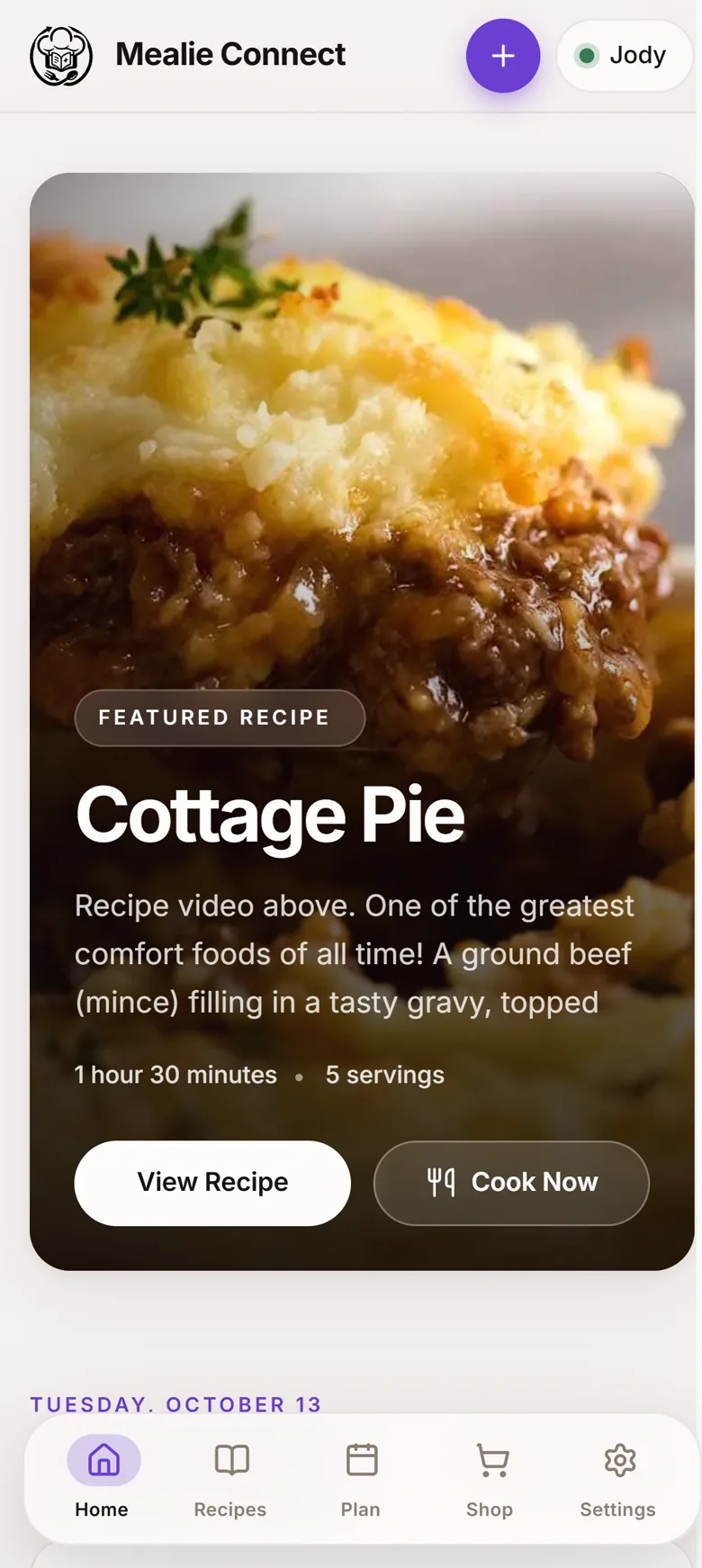
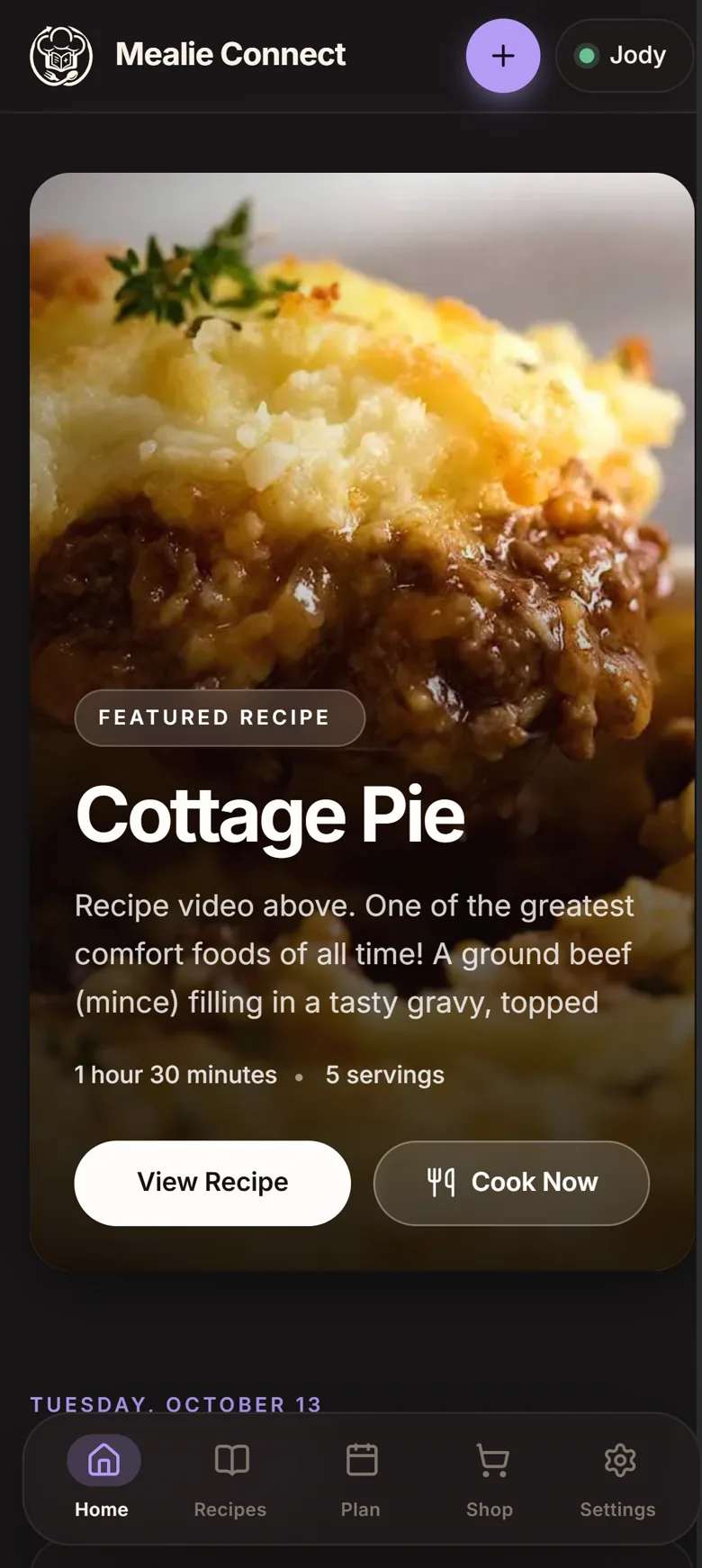
- Light
- Dark
- System
- Plum
- Blue
- Terracotta
- Sage
Everything you need
One companion, every part of cooking.
Dinner Roulette
Let the app decide what you’re cooking.
Ingredient Finder
Find recipes using what you already have.
Recipe Search
Search and filter your entire collection.
Meal Planning
Plan breakfast, snacks, lunch, and dinner.
Shopping Lists
Turn recipes into shopping lists instantly.
Recipe Import
Save recipes from the web directly to Mealie.
Cook Mode
Follow recipes one step at a time.
Offline First
Keep cooking even when your server isn’t reachable.
Multiple Accounts
Switch between Mealie users.
PWA + Android
Take your recipes wherever you go.
Built for Mealie
Mealie Connect is designed to work with self-hosted Mealie servers. Tested with Mealie v3.22.0.
Visit the official Mealie projectReady to decide what's for dinner?
Connect Mealie. Roll the dice. Make something great.
Android v0.8.0